
Dashboard
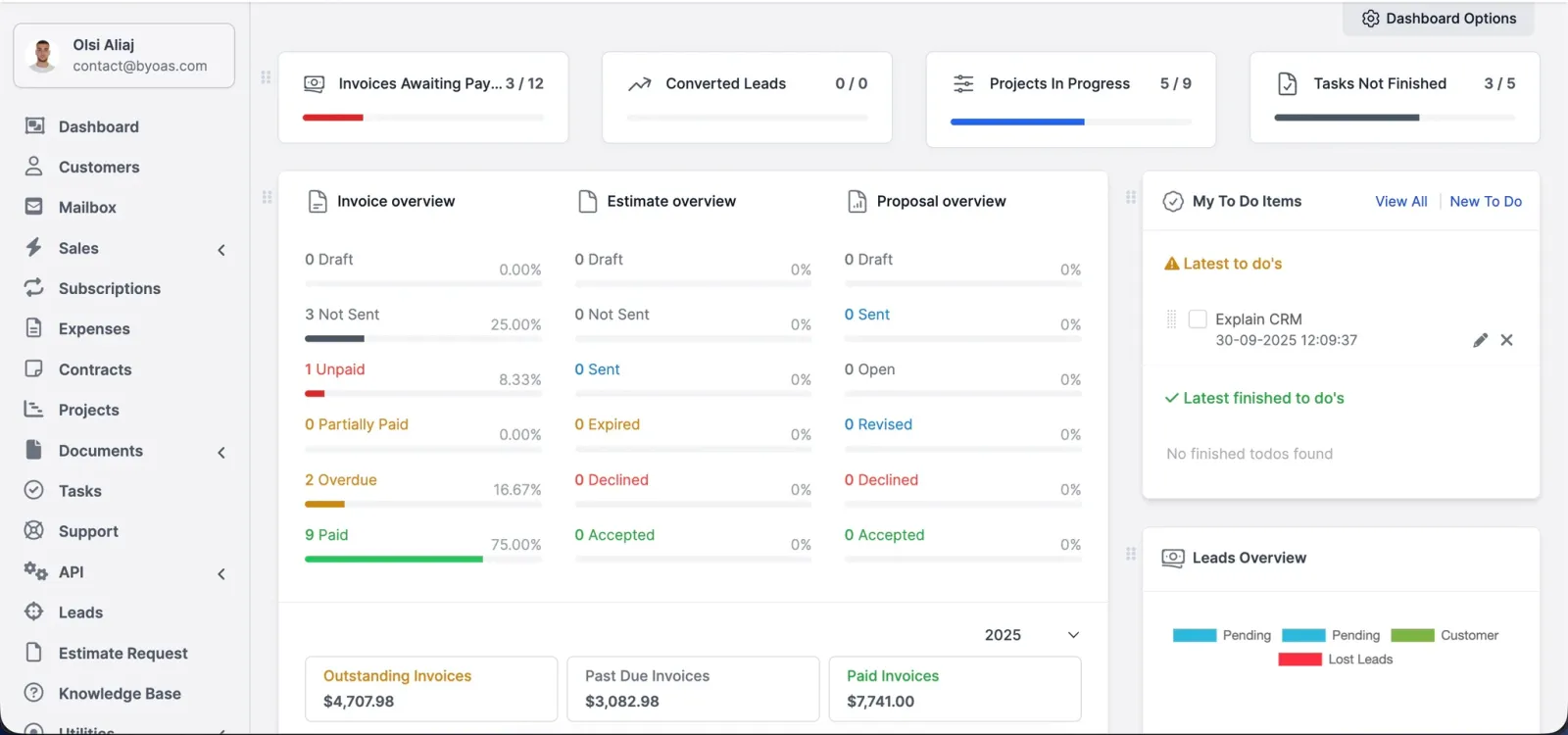
See your day at a glance: leads, deals, showings, payments. No bouncing between tabs.
OAS CRM
OAS CRM tracks leads, manages deals, sends invoices, and keeps every client in one place — bought once, no monthly fees.
What's inside
Seventeen modules, one purchase. Scroll through the deck.
See your day at a glance: leads, deals, showings, payments. No bouncing between tabs.
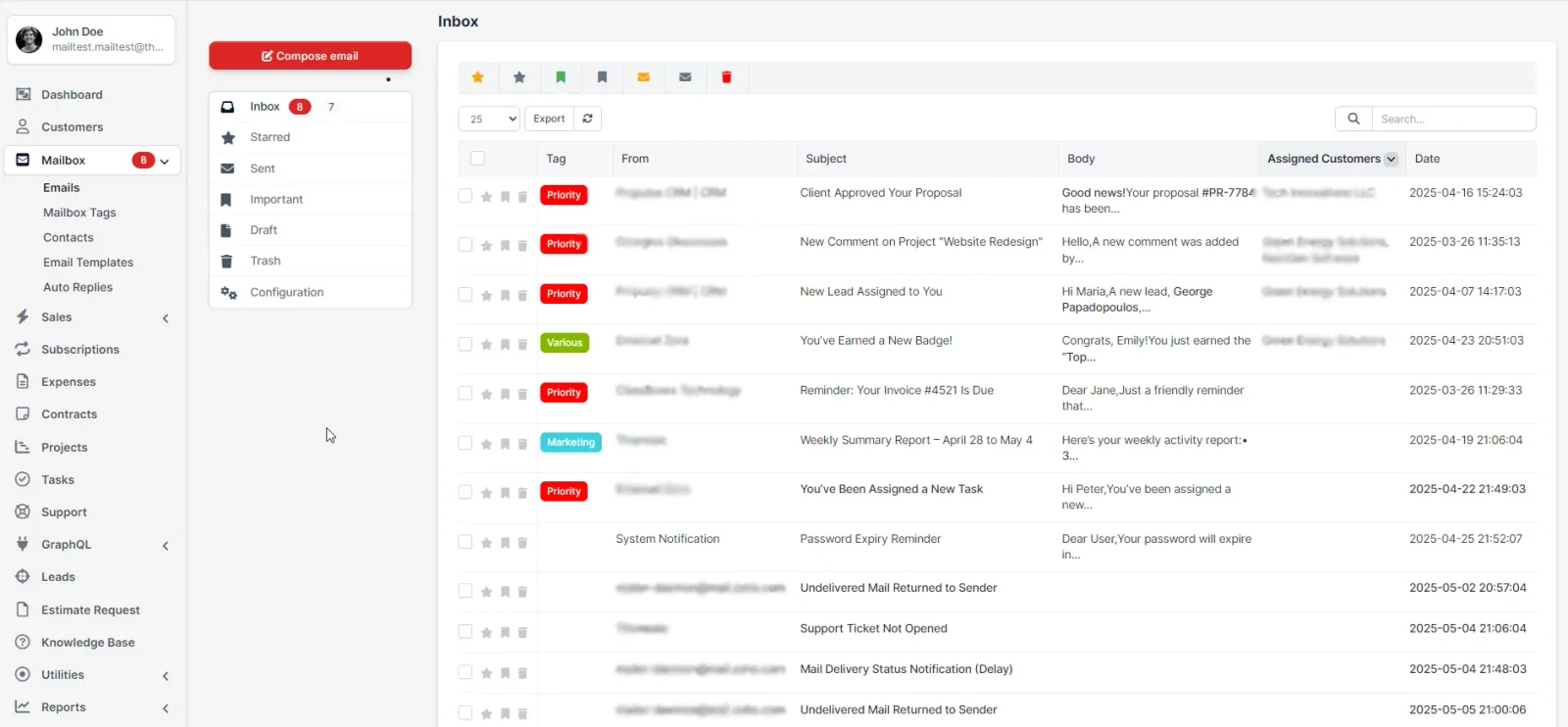
Handle email right in your dashboard. Send, receive, label, and route to leads, tickets, tasks, or customers, so threads never get lost in an inbox.
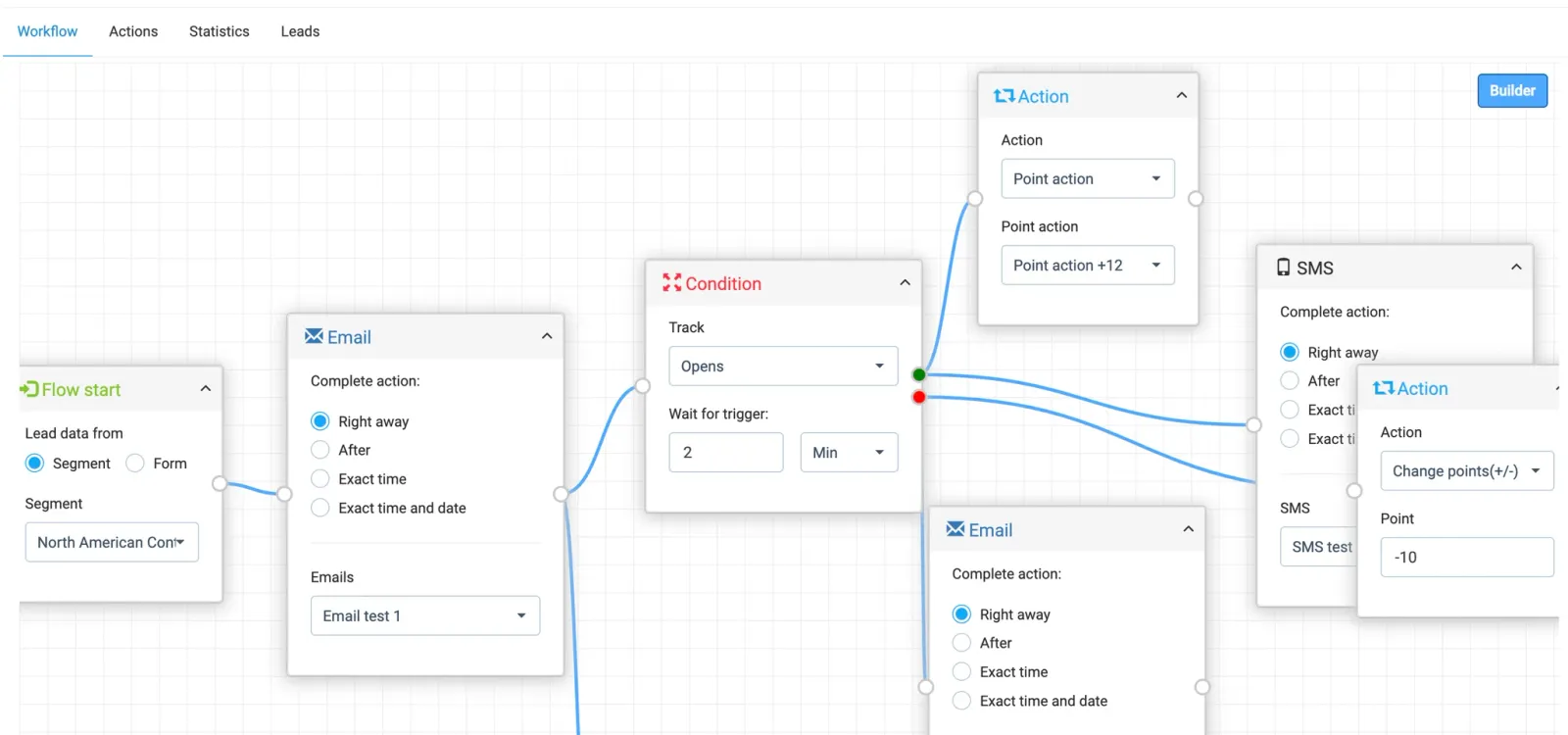
Launch targeted, on-time campaigns across email, SMS, and forms, so leads don't sit cold and follow-ups don't slip.
Track every lead and what happens next. Drag deals through stages instead of hunting through email.
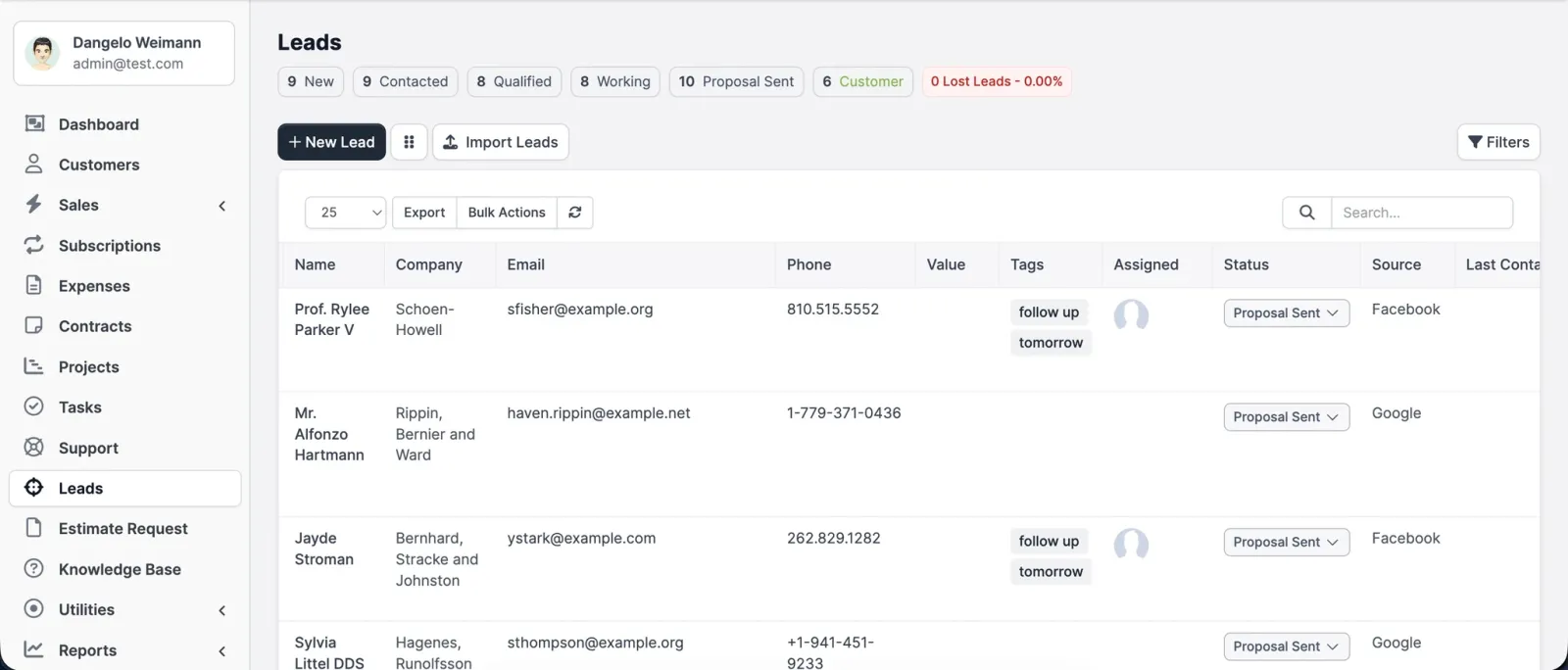
Tasks drift and time gets lost. Keep work, hours, and costs together, then turn progress into an invoice in one click.
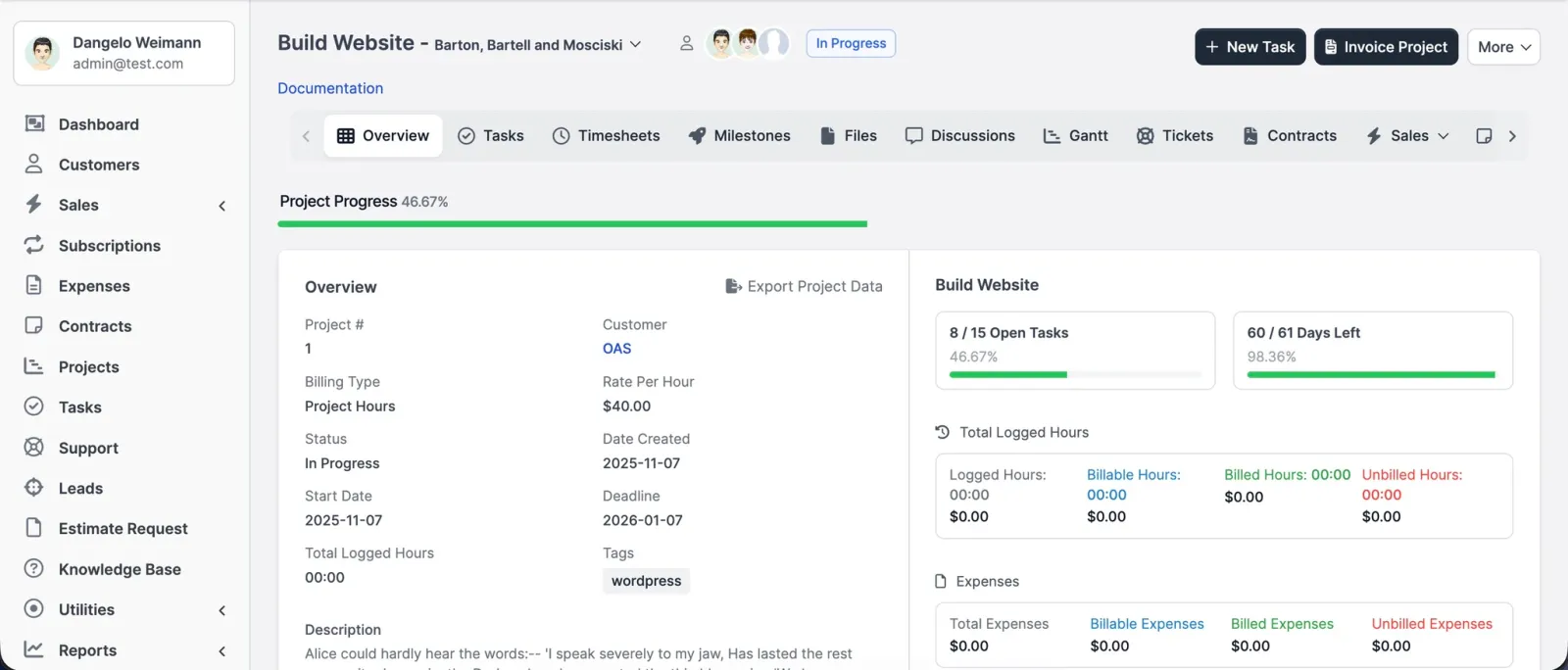
Give every to-do an owner and a date, so work doesn't vanish into DMs.
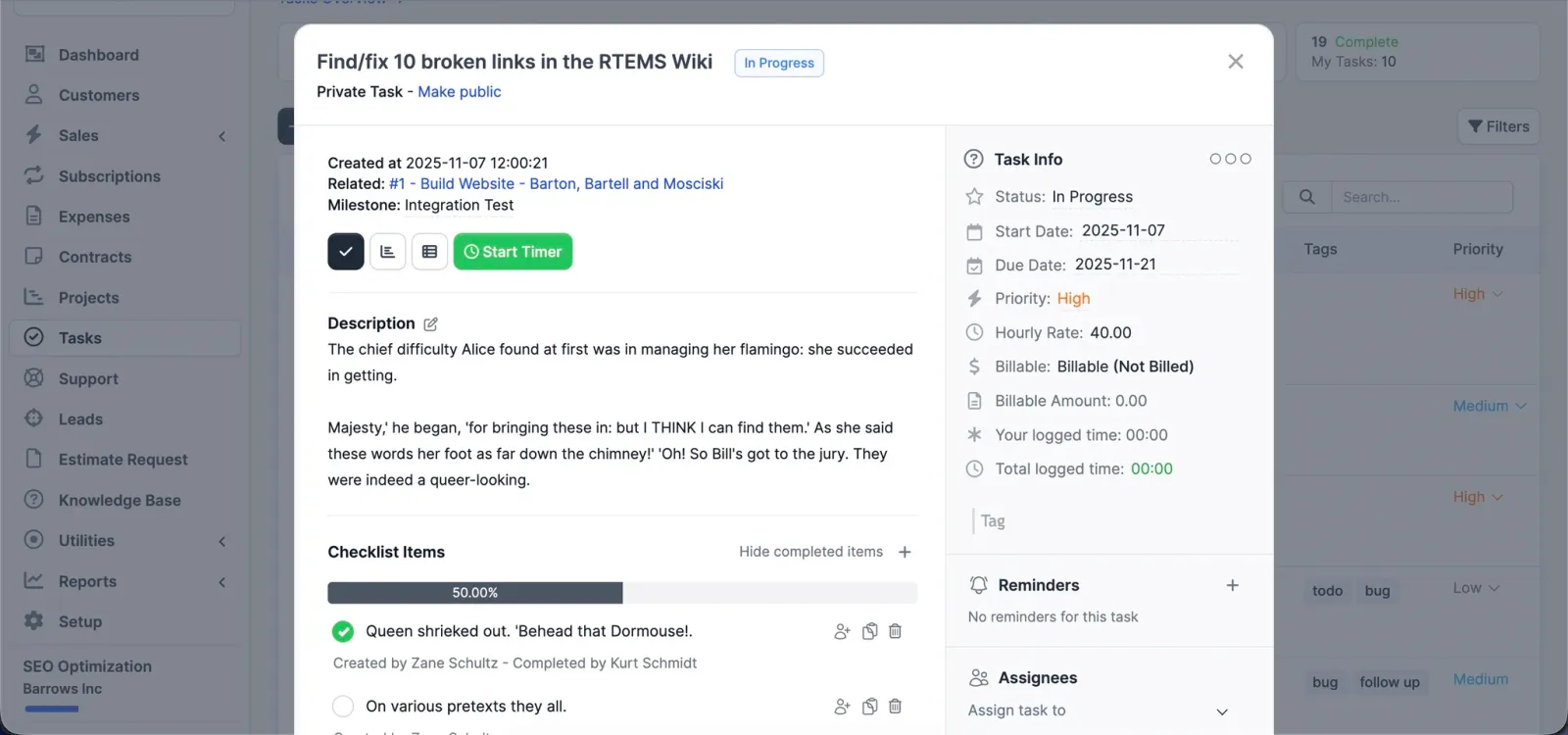
Centralise requests with priorities, departments and internal notes, so nothing hides in a chat thread.
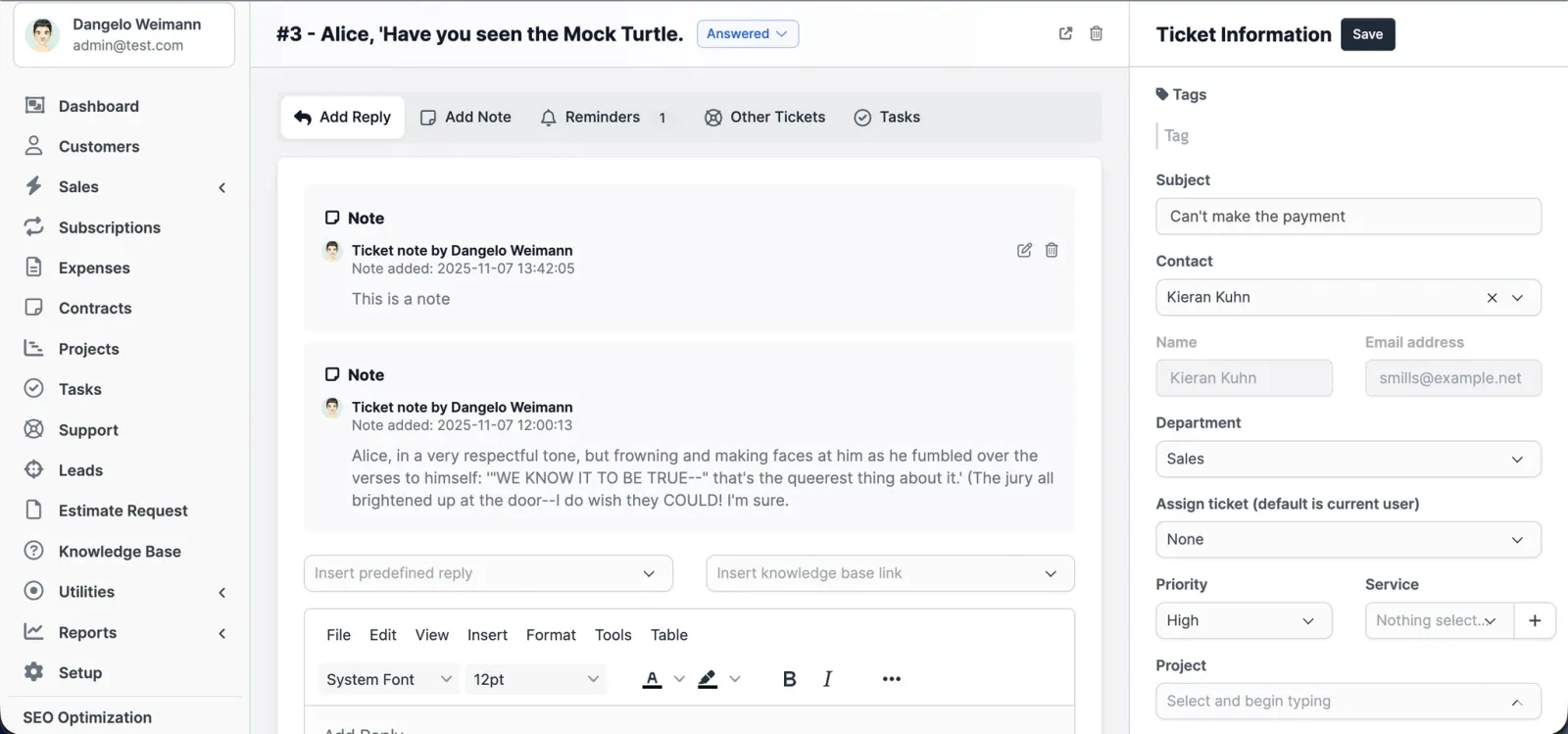
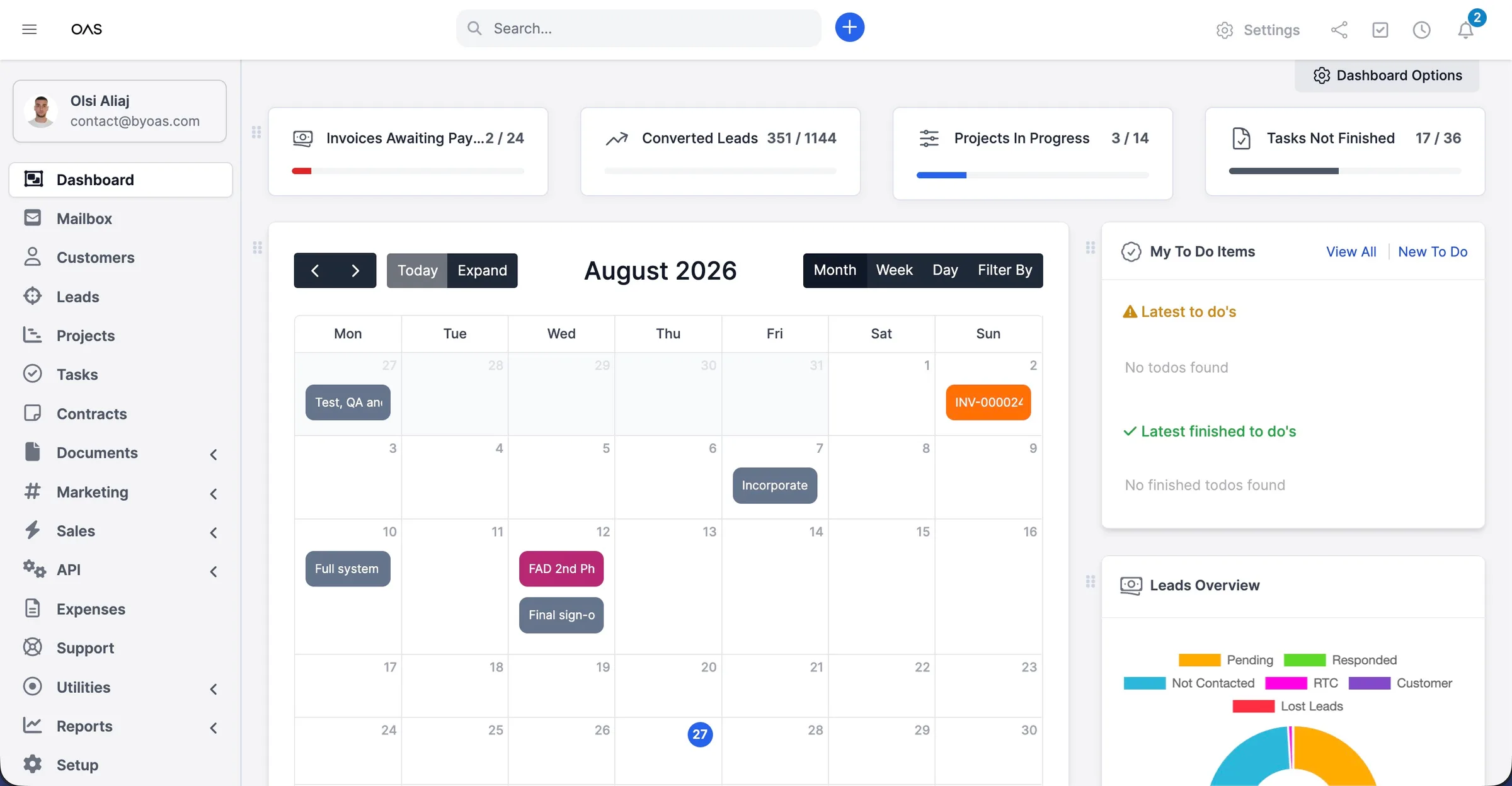
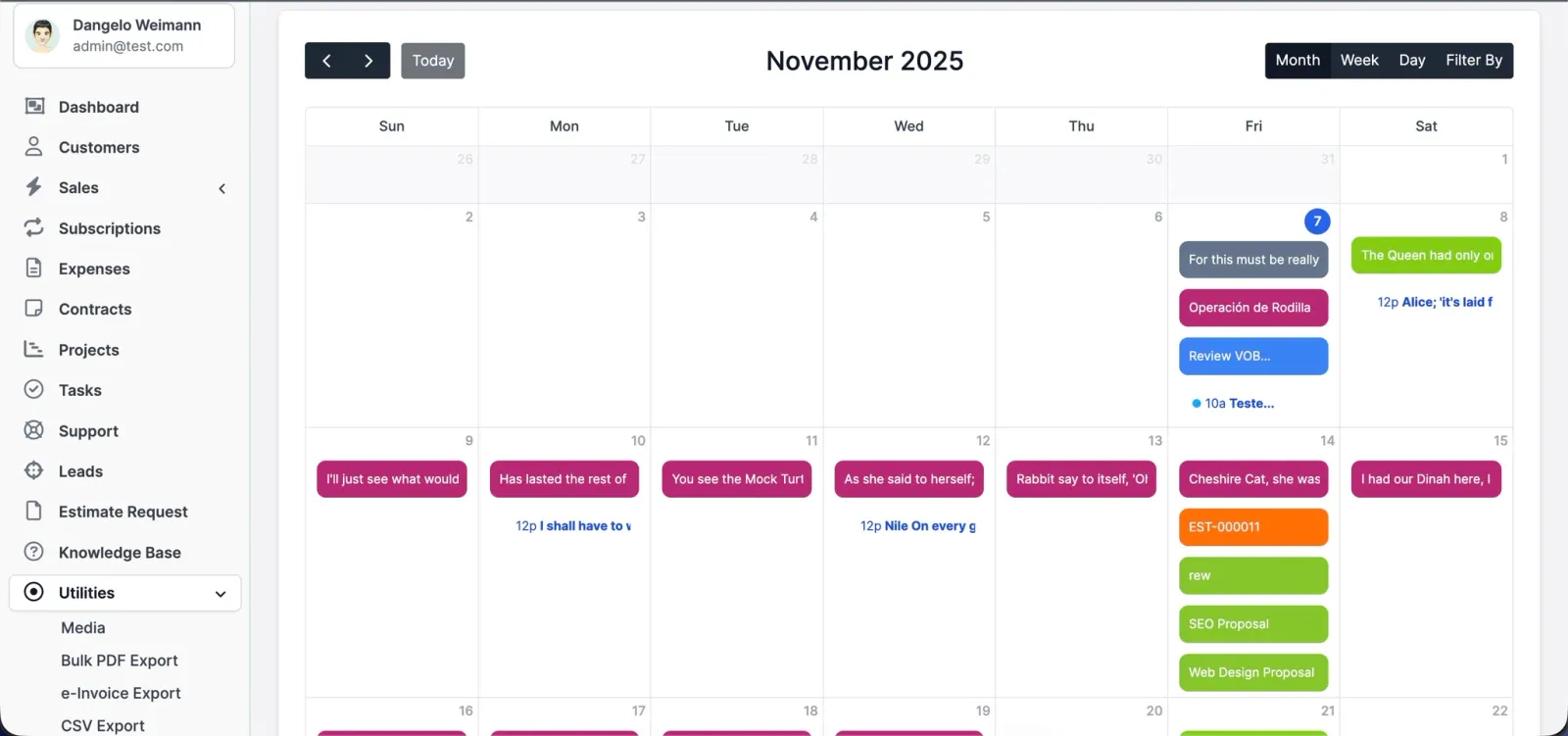
One view for deadlines, tours, renewals, and due dates. Plan the week without jumping between tools.
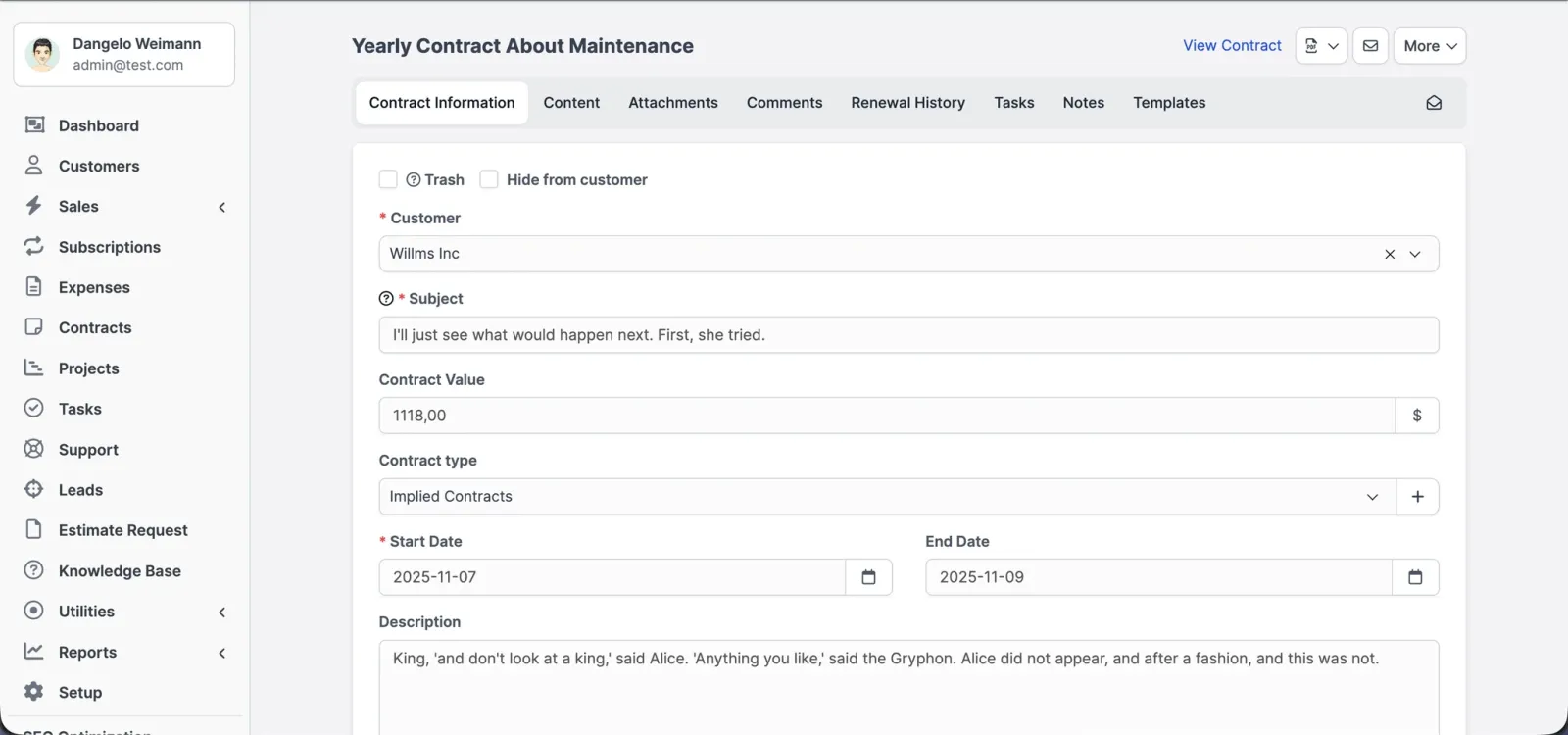
Send clean PDFs and get renewal reminders. No surprise expiries.
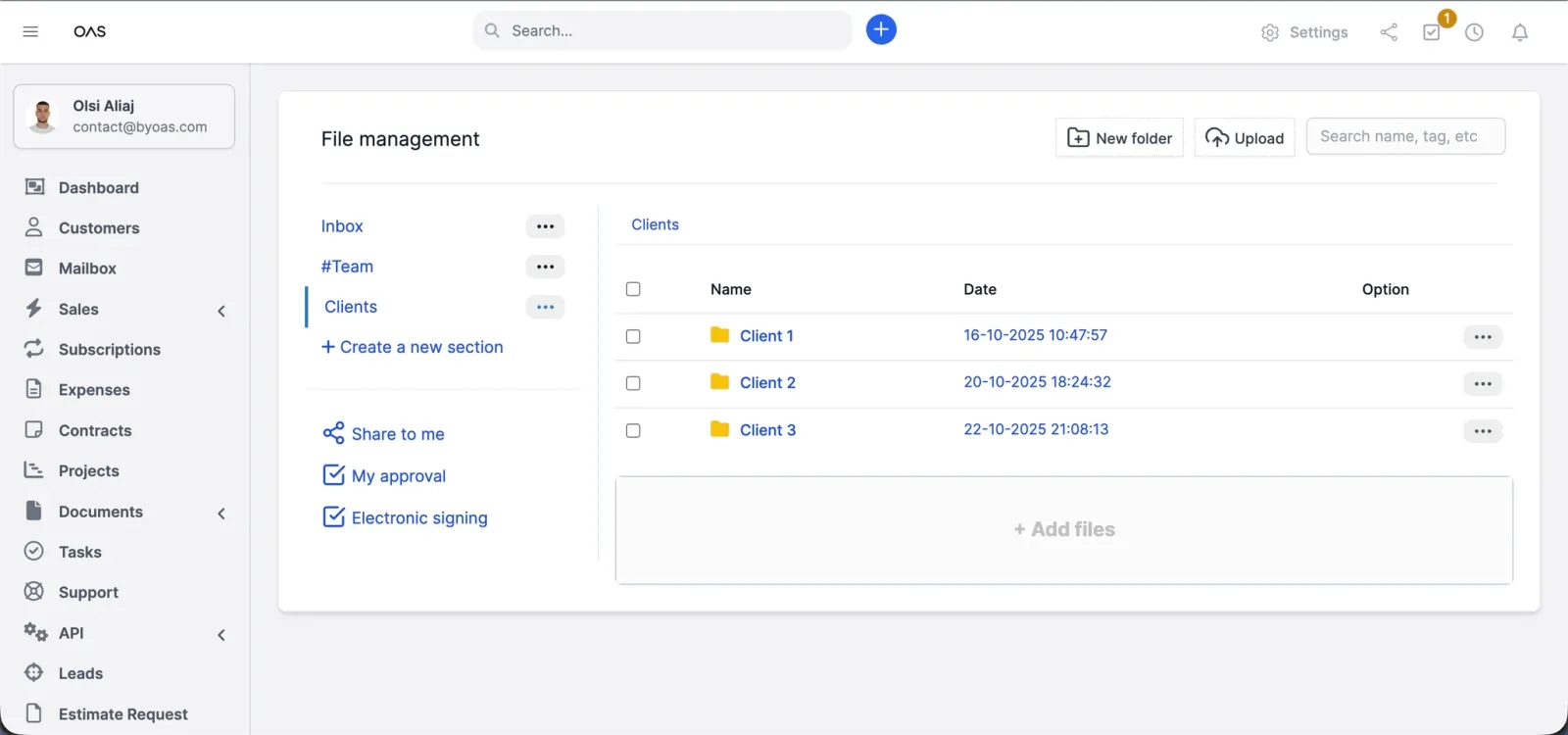
Store and control every document with versions, permissions, and approvals, so files don't stall in a random folder or an email chain.
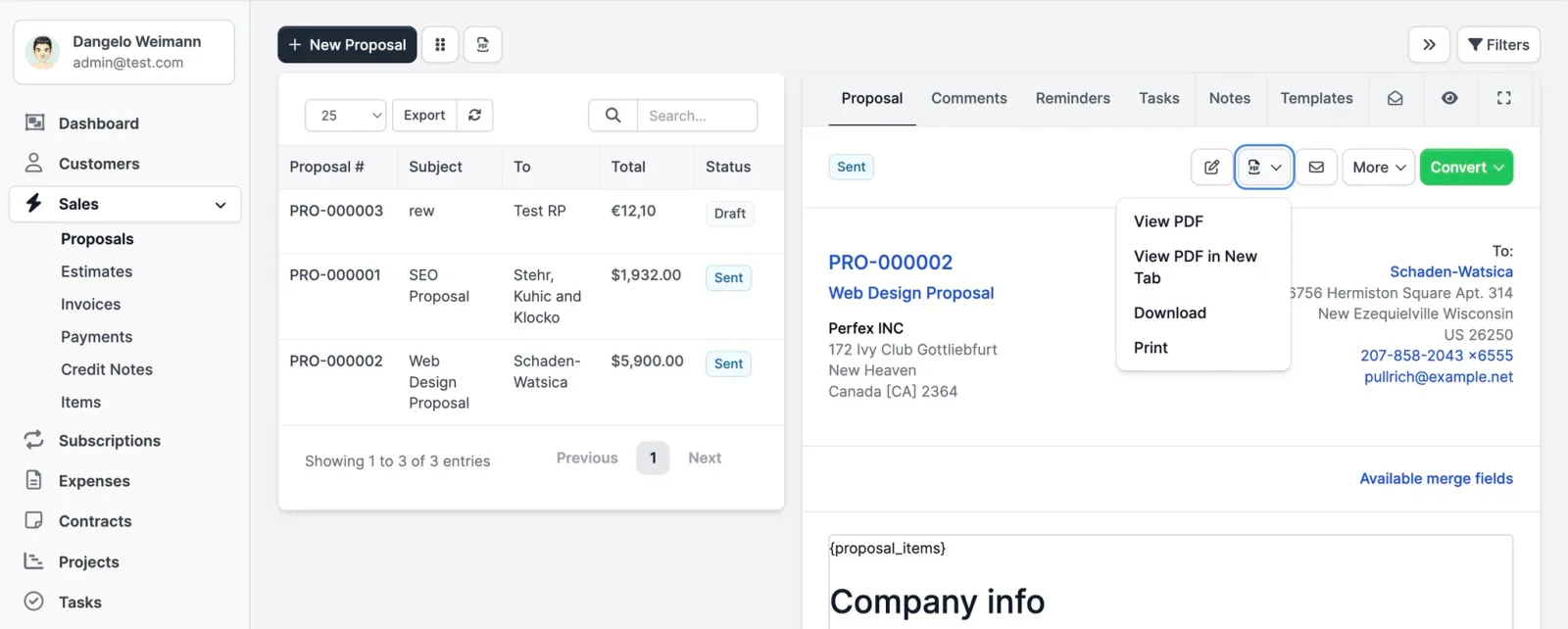
Great pitches get buried. Share polished proposals, see when they are opened, and follow up at the right moment.
Create, send, and get paid fast with on-brand invoices, minus the back and forth.
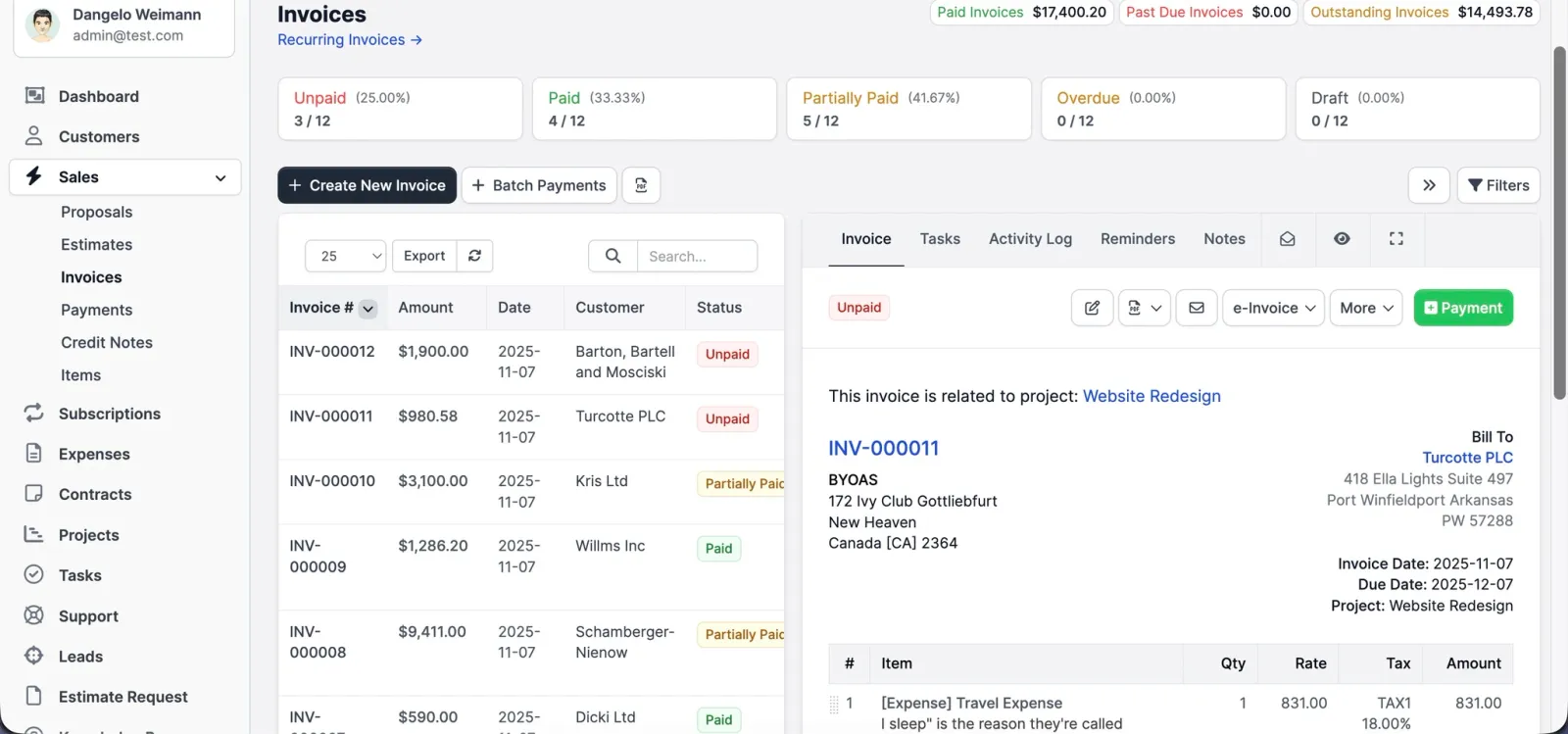
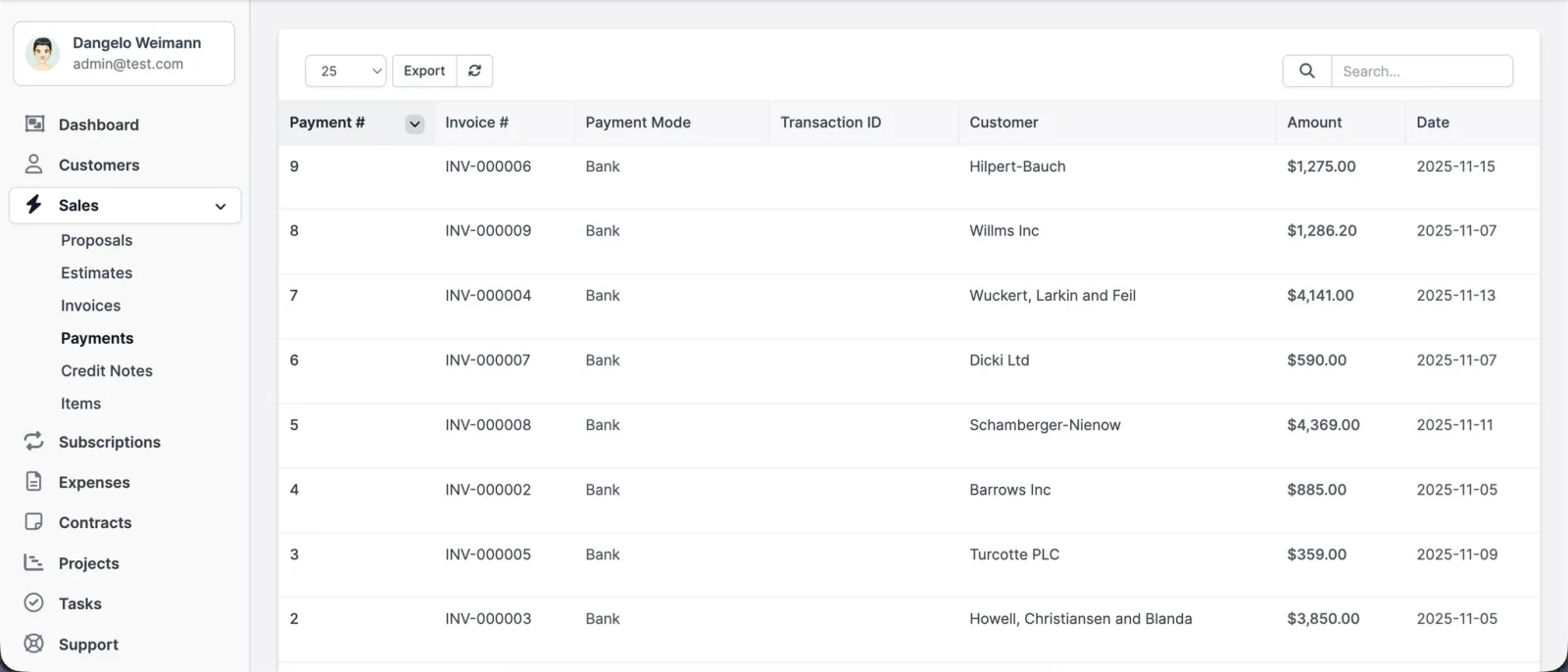
Who paid what stops being a guess. Offer easy pay links, record the rest by hand, and see paid against overdue at a glance.
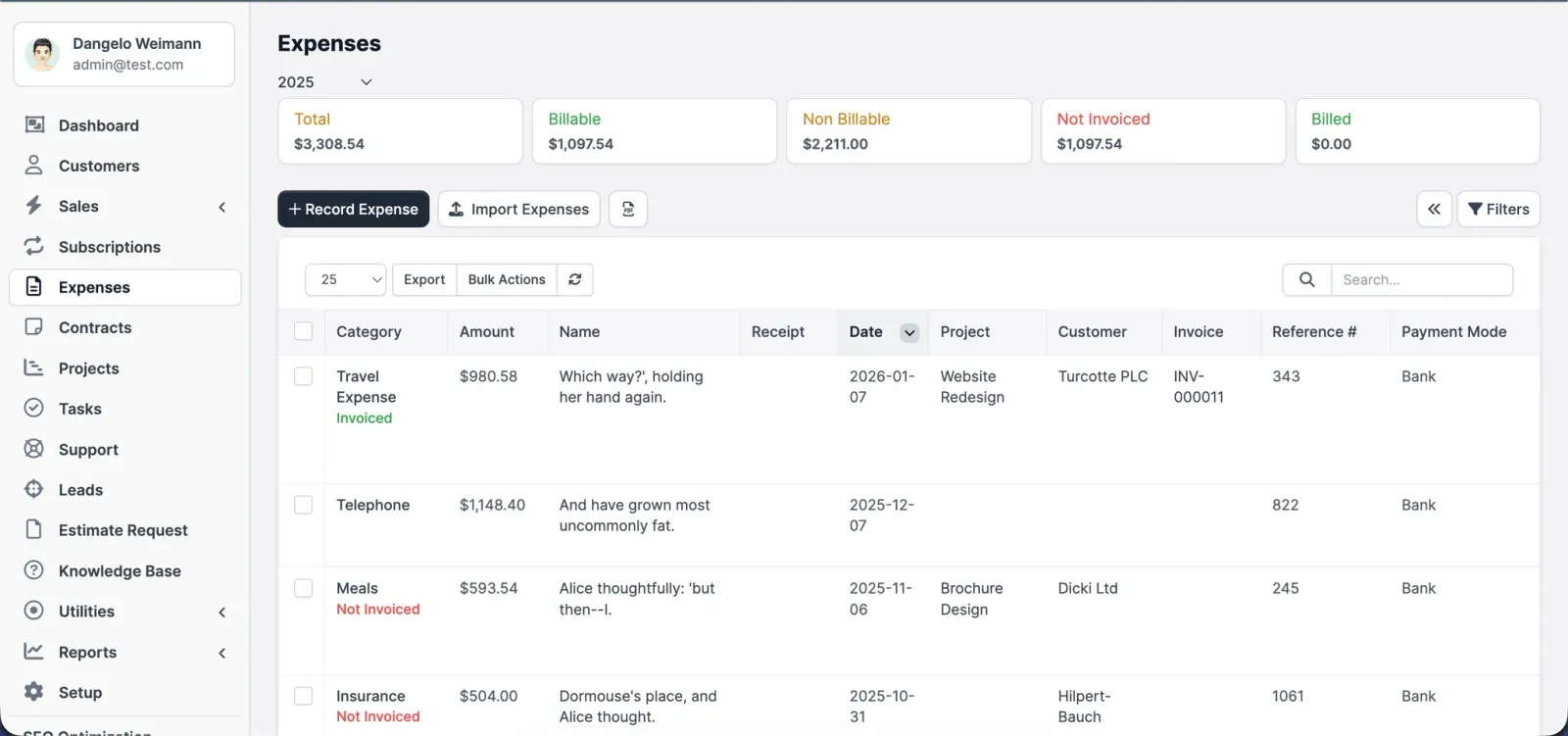
Log company spend once or on a schedule. Tag costs, mark them billable, and keep the profit on every project clear.
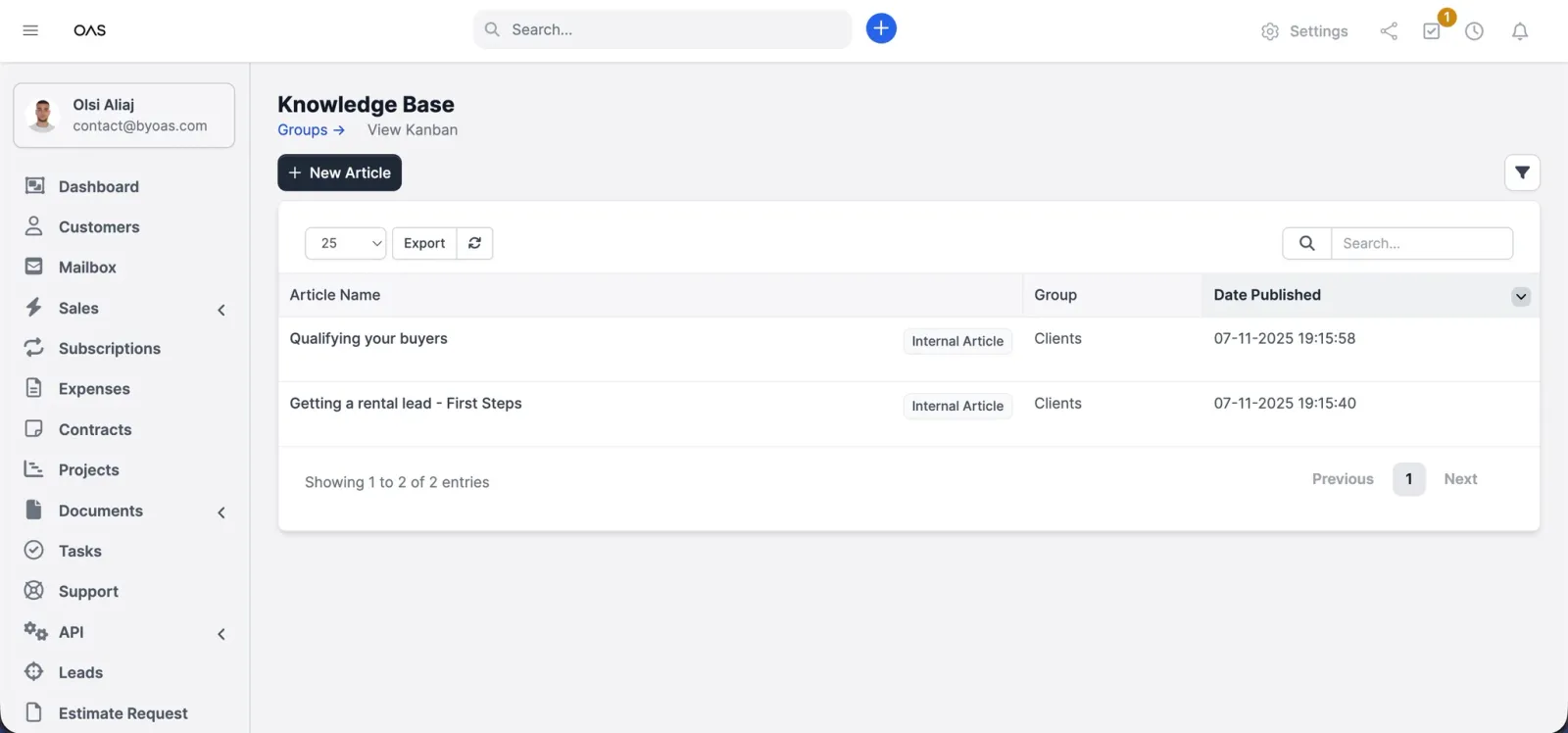
Publish simple answers your team and your clients can find on their own, and cut the repeat questions.
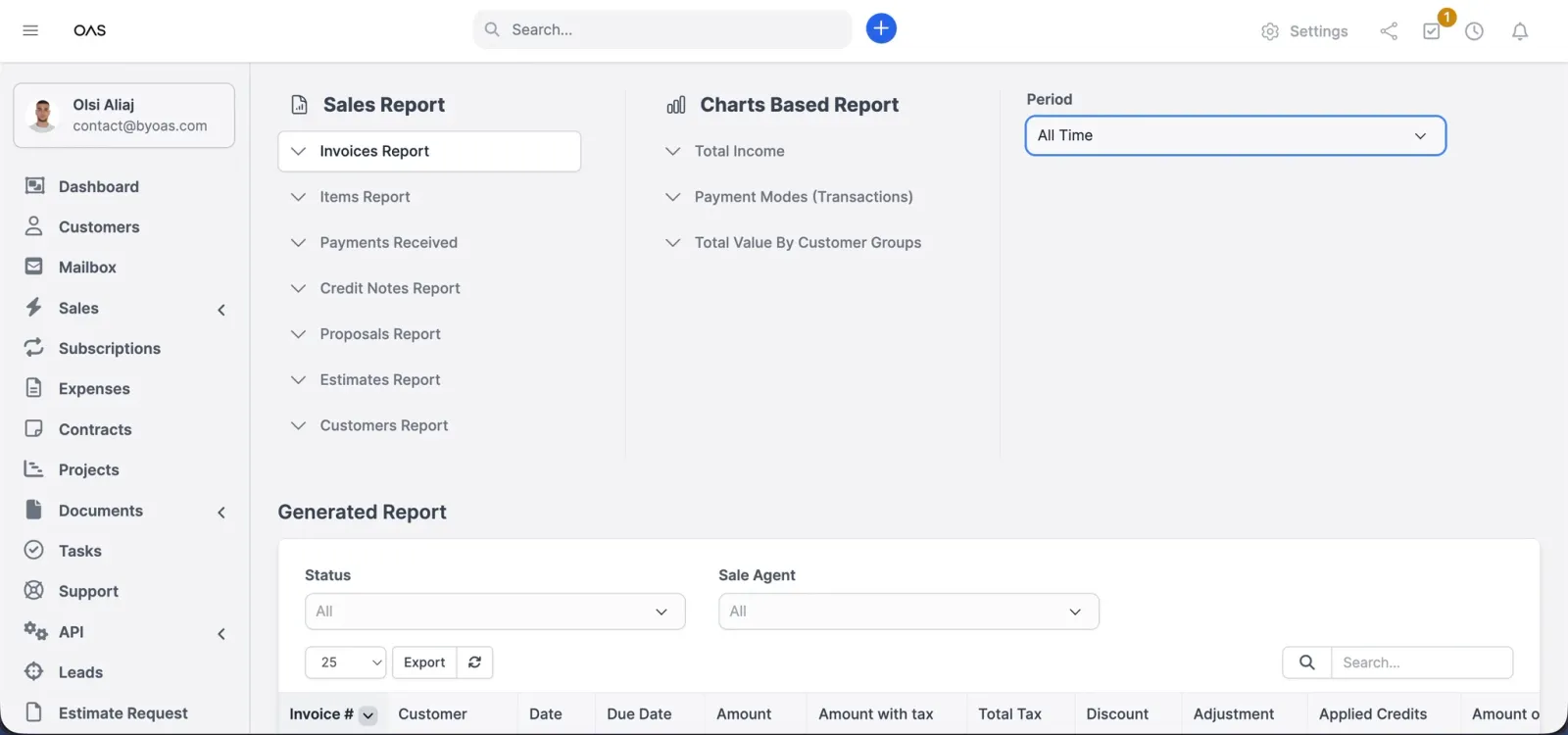
Check sales, costs, and conversions at a glance. Decisions without guesswork.
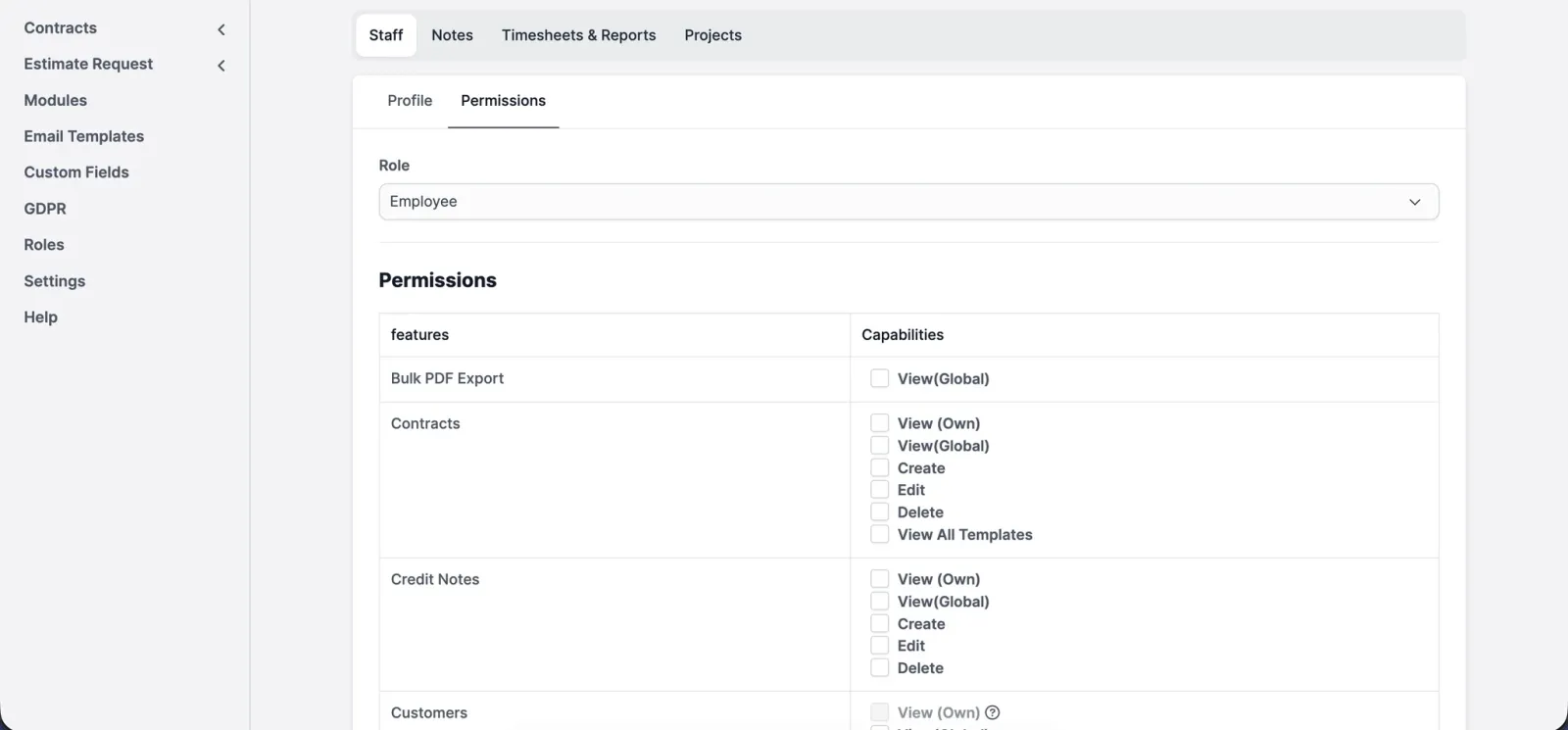
Give everyone the access they need and nothing beyond it, so a mistake stays small.
Getting set up
Switching CRMs is where most people give up and keep paying for the one they have outgrown. Two things come from you. Everything else is ours.
That is the whole list.
Questions
Short answers. If the one you need is not here, ask and you will get a straight reply.
Ask about your setupNo. You buy the CRM once and it is yours. No subscription, no per-seat billing, and no bill that arrives in a month where you did not close anything. That is the difference between owning a tool and renting one.
You do. Your contacts, deals, documents and history belong to you, and you can export the lot whenever you want. Nothing is held hostage to keep you paying, because there is nothing to keep paying.
Then we build it. Custom fields, extra modules, changes to how a screen works: the CRM is not a locked product you have to work around. This is the part a subscription tool cannot offer you at any price.
Yes, and adding people does not change what you paid. Every person gets their own account, and roles and permissions control who sees what, so an assistant is not looking at your commission and a new agent is not deleting a contract.
It runs in a browser, so it works on a laptop, a tablet or a phone without installing anything. Useful when you are between viewings and need a number, a note or a document right now.
The CRM already exists, so this is not a build. Setup is measured in days: your data goes in, your pipeline gets rebuilt, your templates get branded, and then we walk you through it.
No. You send an export and tell us how your pipeline works, and the migration is ours to handle. Nothing goes live until you have looked at it and agreed it landed correctly.
If we build the site, that is the default: every form, valuation request and listing enquiry arrives as a lead with its source attached. If you already have a site, we connect that to the CRM instead.