The brief
What we were asked for.
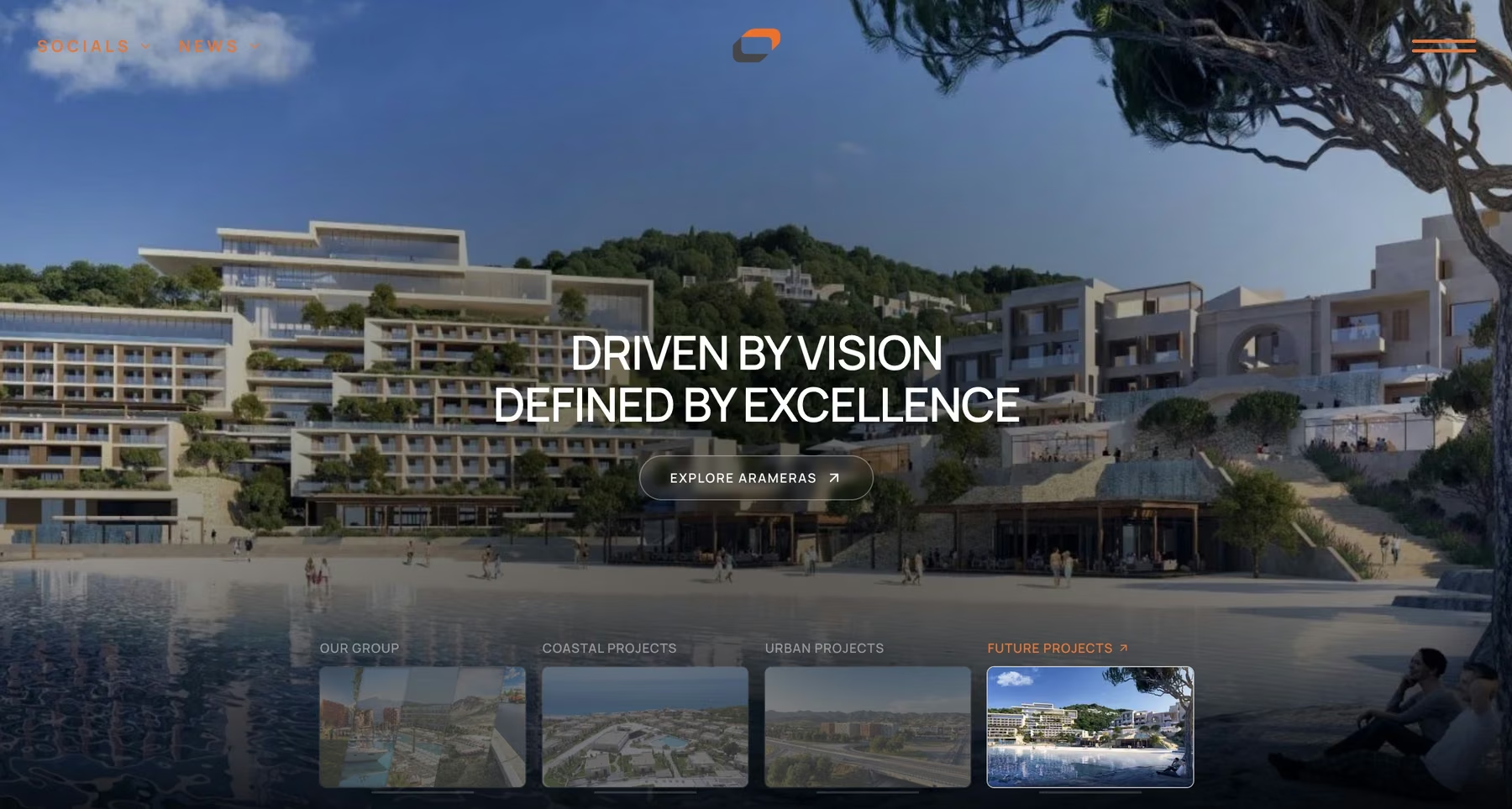
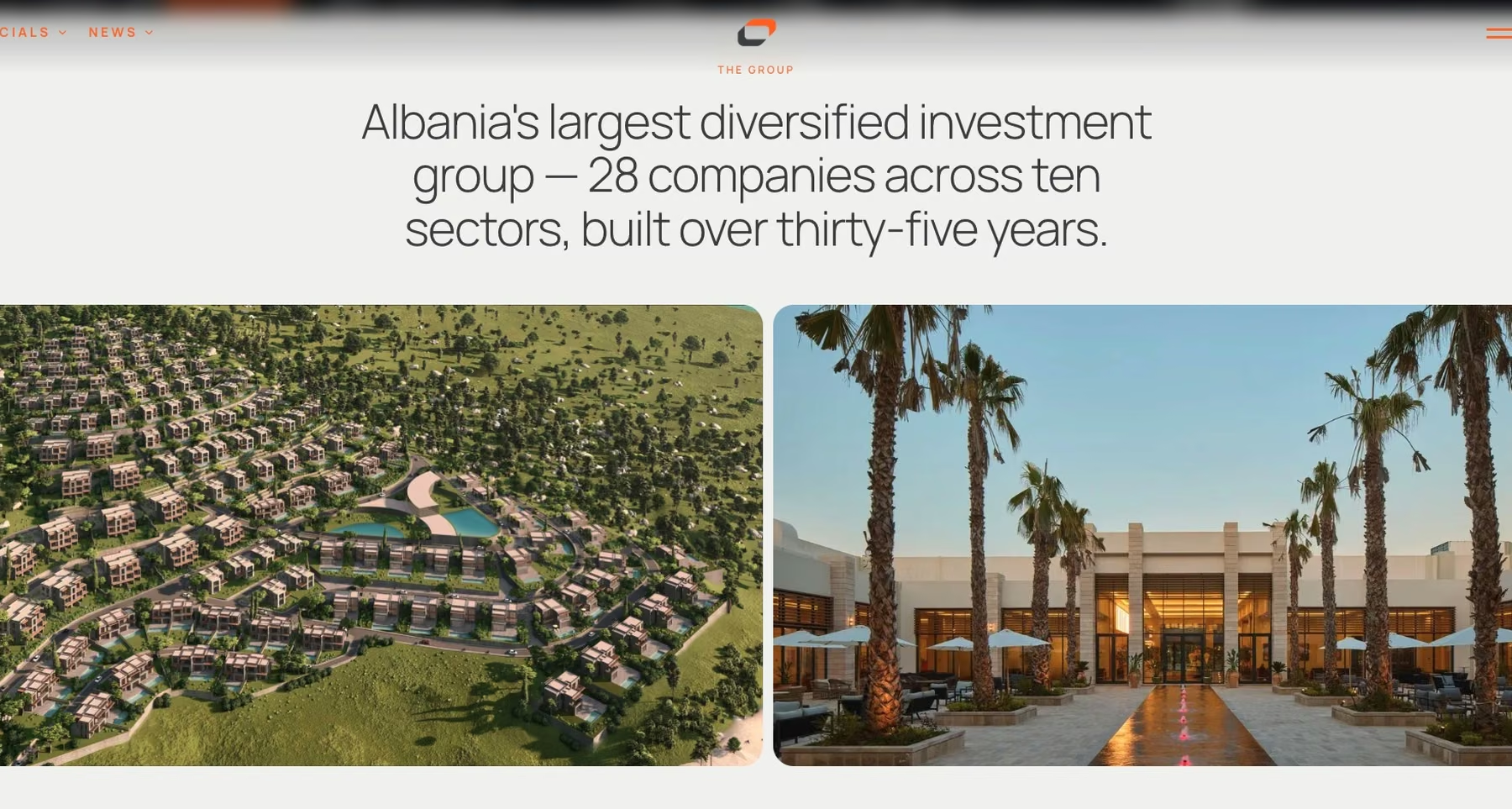
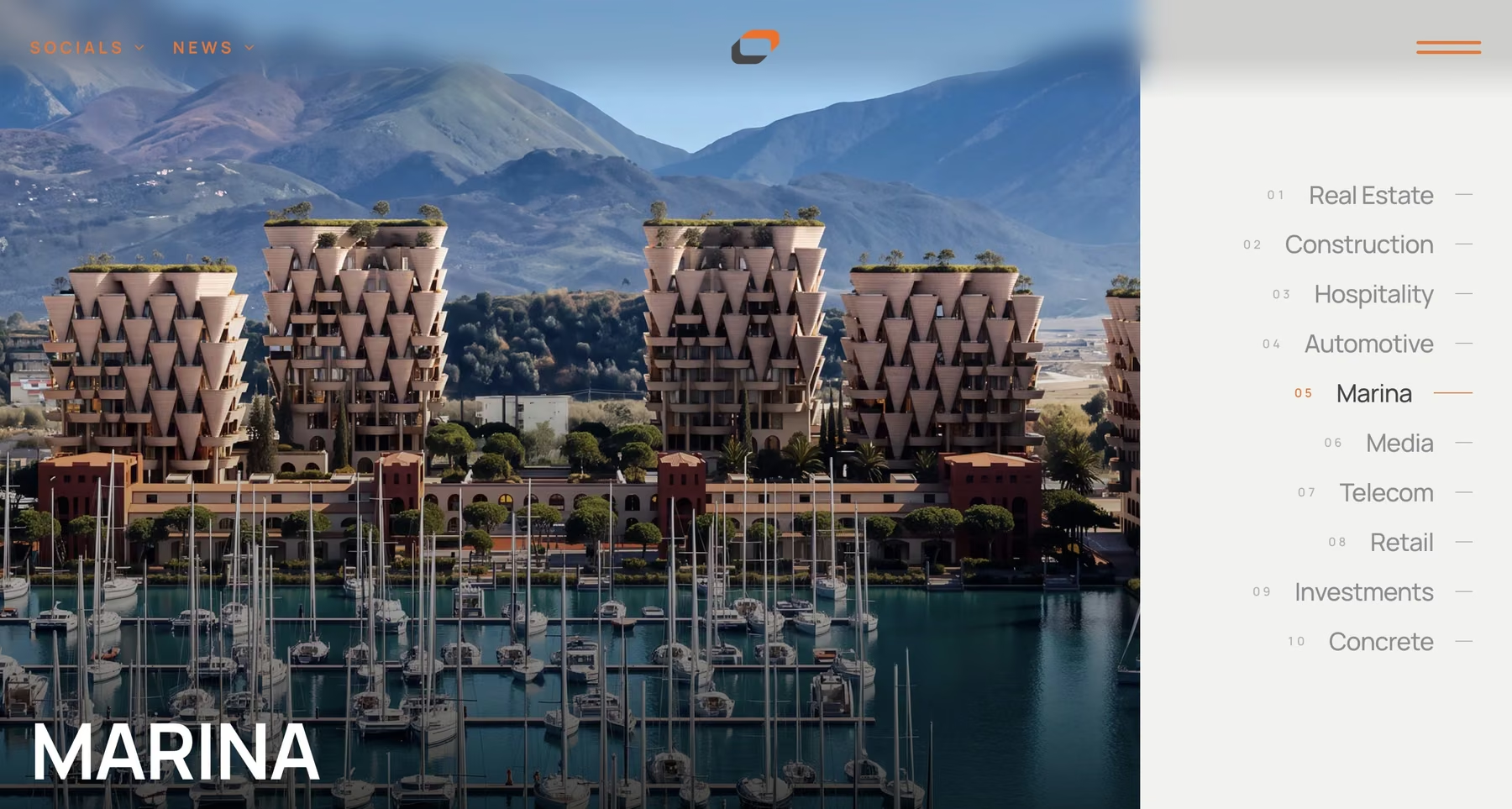
Concord Group spans real estate, construction, hospitality, marina, media, telecom and more. The website had to feel institutional enough for investors and partners, and still be somewhere a person could browse buildings.
The group's developments are the most visible thing it does: residential towers in Tirana, resorts on Lalëzi Bay, a marina in Vlorë, industrial parks along the Tirana to Durrës corridor. Each one has its own facts, imagery and often a brochure.
We were asked for one site that presents all of it in English and Albanian, and that the group's team can keep adding projects to.
The build
What we built.
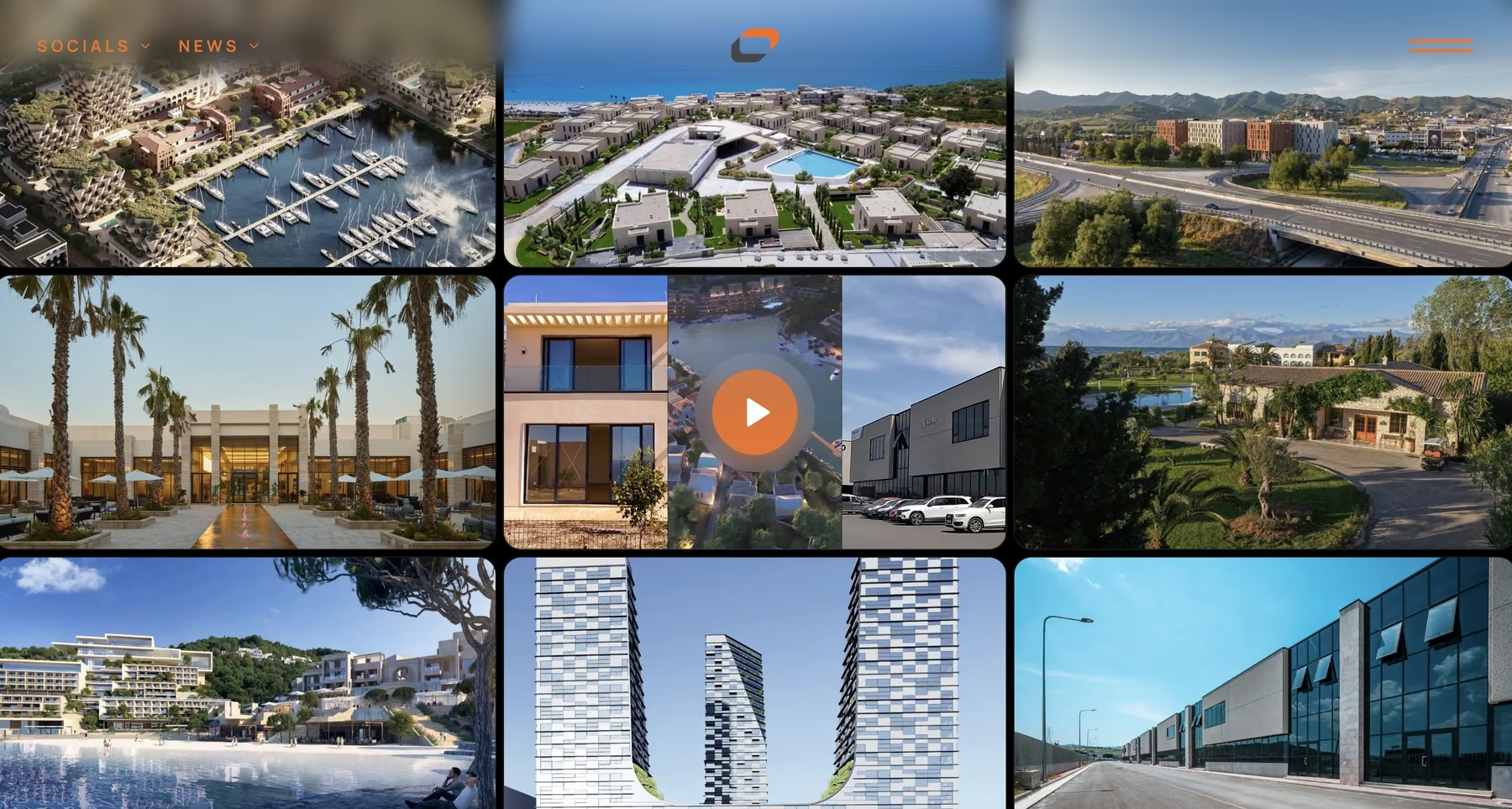
Filterable project portfolio
Seventeen developments, filterable by location, status, typology and year. Visitors can switch between a mosaic, a grid and a list view. Filters are stored in the URL, so a filtered view can be shared or bookmarked.
Filters that follow you
Once the filter row scrolls out of view, a small floating dock brings it back at the bottom of the screen, with the live result count, the view switch and the brochure download.
Project pages built from blocks
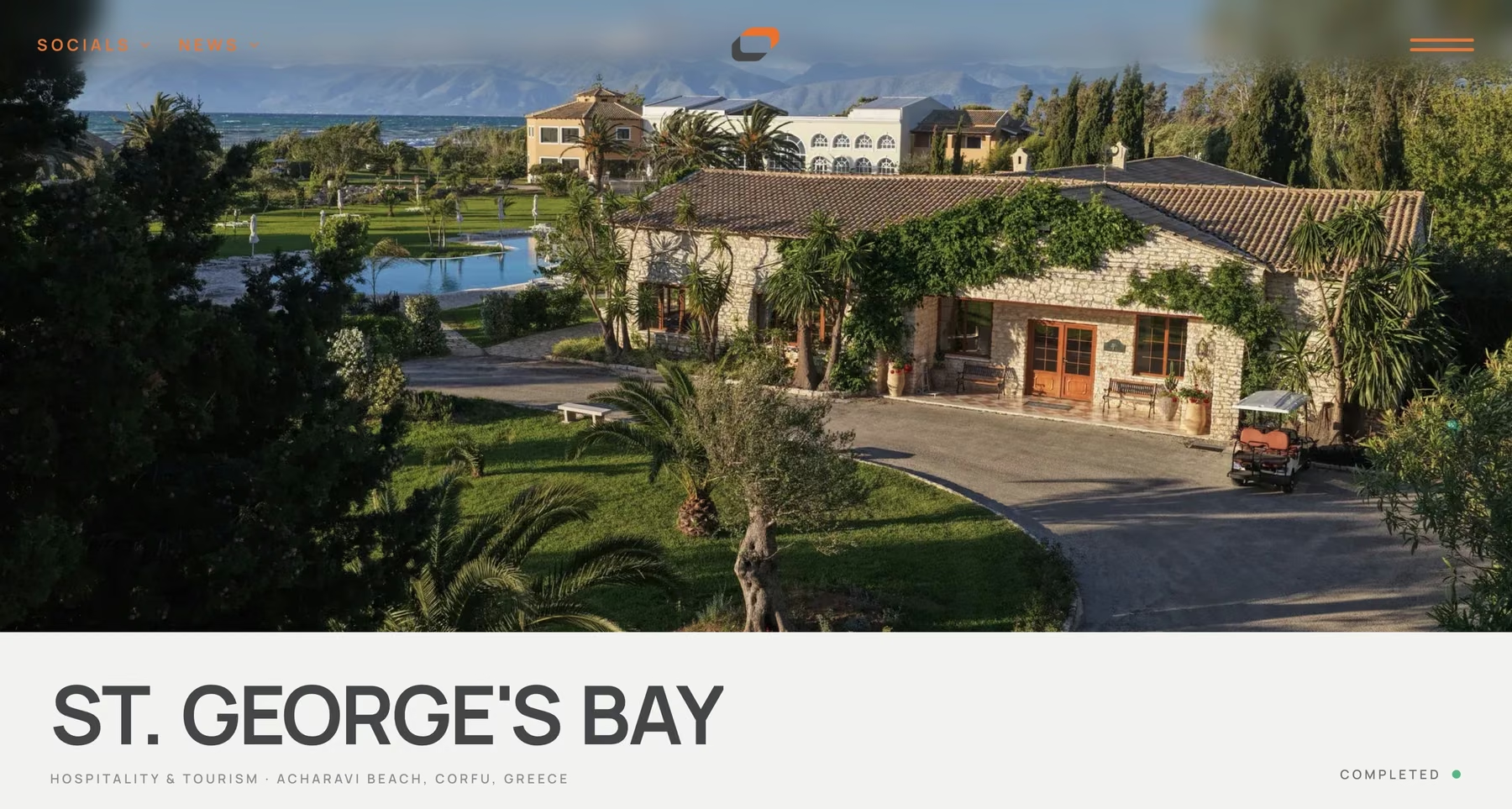
Each development page is an ordered list of blocks: an overview card of key facts, long-form text, a stats strip, a features grid, a gallery, video and a PDF brochure. A project with a brochure shows one. A project without simply skips it.
Galleries that never crop
Architectural renders come in every shape. The gallery lays out each row from the true proportions of its images, so a tall tower render and a wide aerial sit side by side at full frame, with a lightbox for detail.
Brochures as flip-books
Project brochures open as page-turning books inside the page, with a download button for the PDF.
Industries, news and careers
Ten sector pages, a media centre and a careers section with an online application form complete the corporate side of the site.
The real estate layer
The real estate inside a corporate site.
Most of this site is corporate communications. The portfolio is where it works like a developer's website, and it was built to that standard.
Status and typology up front
Every development is tagged as completed, in progress or upcoming, and as residential, commercial, hospitality, industrial or mixed-use. Those are the first two questions a buyer or investor asks.
Facts in a spec card
Location, architect, land area, built area, unit counts and timeline sit in a consistent overview card at the top of each project, so developments can be compared at a glance.
A data model ready for listings
Alongside projects, the site defines a property model with category, sale status, price, size, bedrooms, floor, view and floor plan. When the group opens unit sales, listings slot into the structure that is already there.
Adding a project is adding a file
A new development is one structured file plus its images. A script reads each image's real dimensions into the record so the gallery lays out correctly without manual work.
Under the hood
Decisions worth explaining.
English at the root, Albanian under /sq
Each page declares its counterpart in the other language, so search engines serve the right version to the right reader.
Translation as an overlay
Albanian content is layered over the English source. Anything not yet translated falls back to English, so a half-finished translation is always safe to publish.
A translation workflow for non-developers
One command exports every English string into a Word document with an empty box beside each line. The translator types into it, and a second command reads the finished document back into the site.
Motion that respects the setting
Scroll and reveal animations give the site its pace. With reduced motion switched on in the visitor's system, they collapse to instant changes.
Want something like this for your own market? See how we build real estate websites.
How the websites work